
Overview
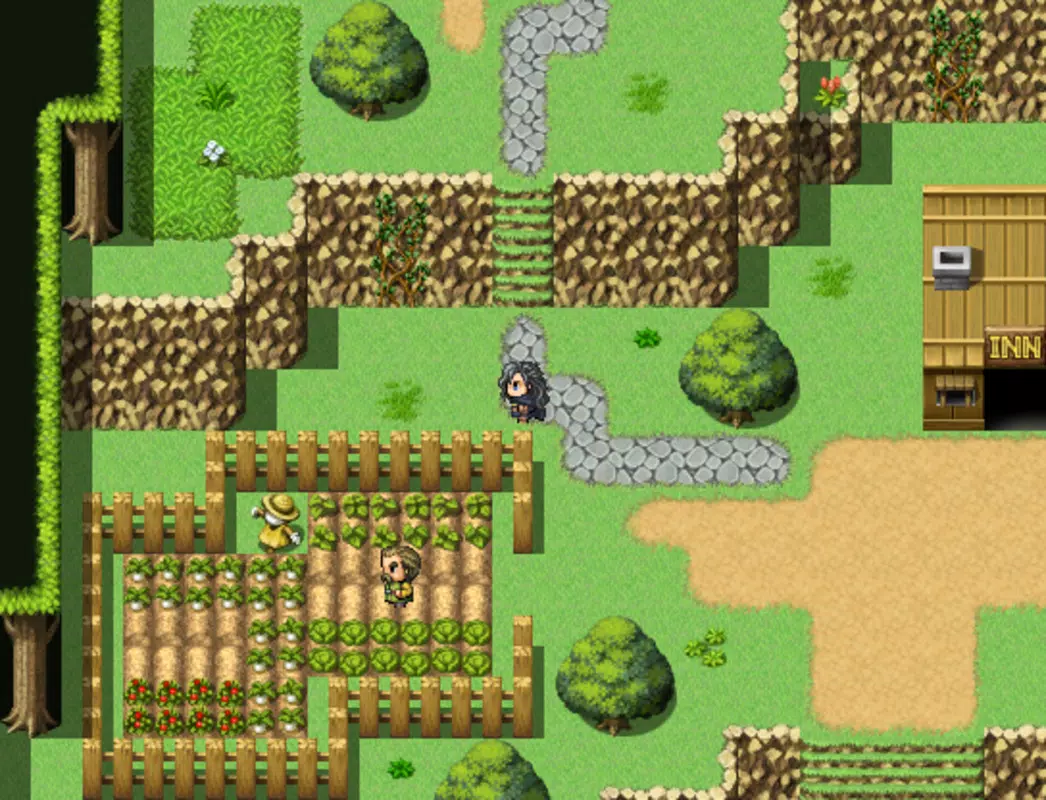
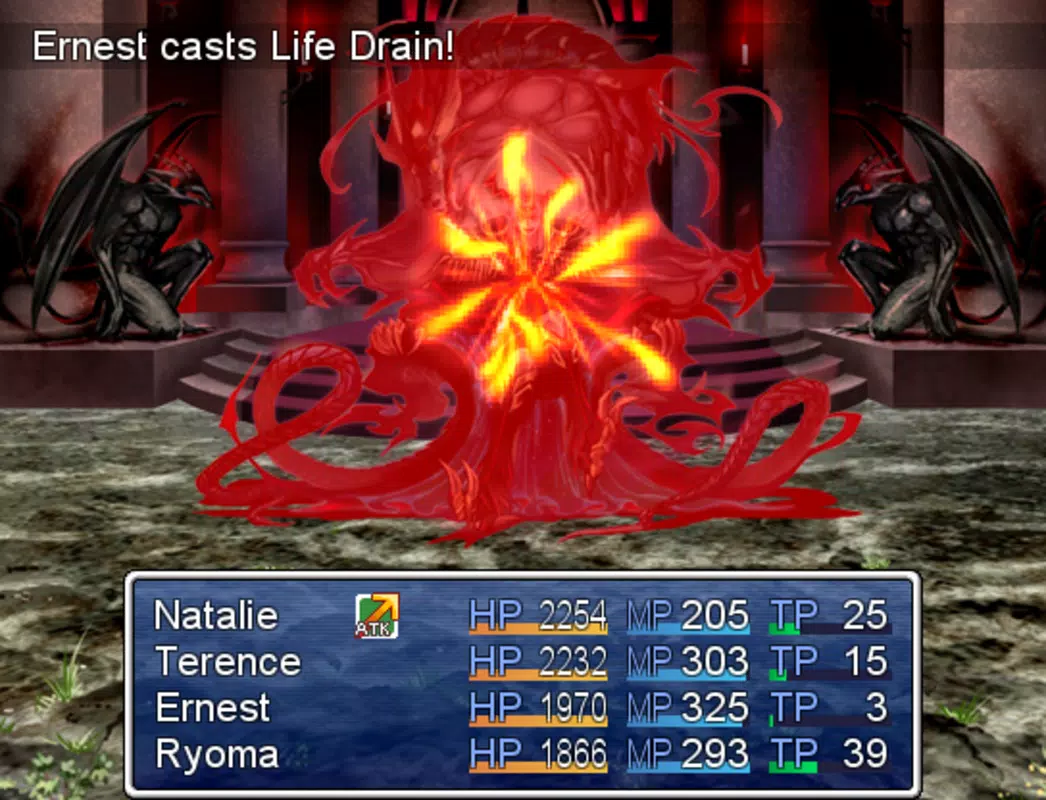
RPG Maker is a mobile adaptation of a widely recognized game development platform designed specifically for creating role-playing games (RPGs). The app enables users to craft immersive fantasy worlds, complete with custom characters, storylines, and battle systems, all from their smartphones. It is tailored for aspiring game designers, hobbyists, and indie developers who wish to explore game creation without the complexity typically associated with professional tools. The application supports the development of JRPG-style experiences reminiscent of classics like Final Fantasy and Legend of Mana, making it a compelling entry point into game design. Although the developer did not provide detailed background information about the company or its history, the app’s core purpose remains clear: to democratize RPG creation by offering accessible tools on mobile devices. Users can design entire game narratives, set up turn-based combat, and populate their worlds with custom environments and characters. Real-world use cases include educational projects, personal creative expression, and even small-scale game releases within the mobile gaming community. The app plays a significant role in the mobile game development ecosystem by bridging the gap between casual users and professional tools. Its presence on Android signals a growing trend toward mobile-first creative software. By enabling on-the-go development, RPG Maker empowers users to brainstorm, prototype, and refine game ideas anytime, anywhere.Key Features & Functionality
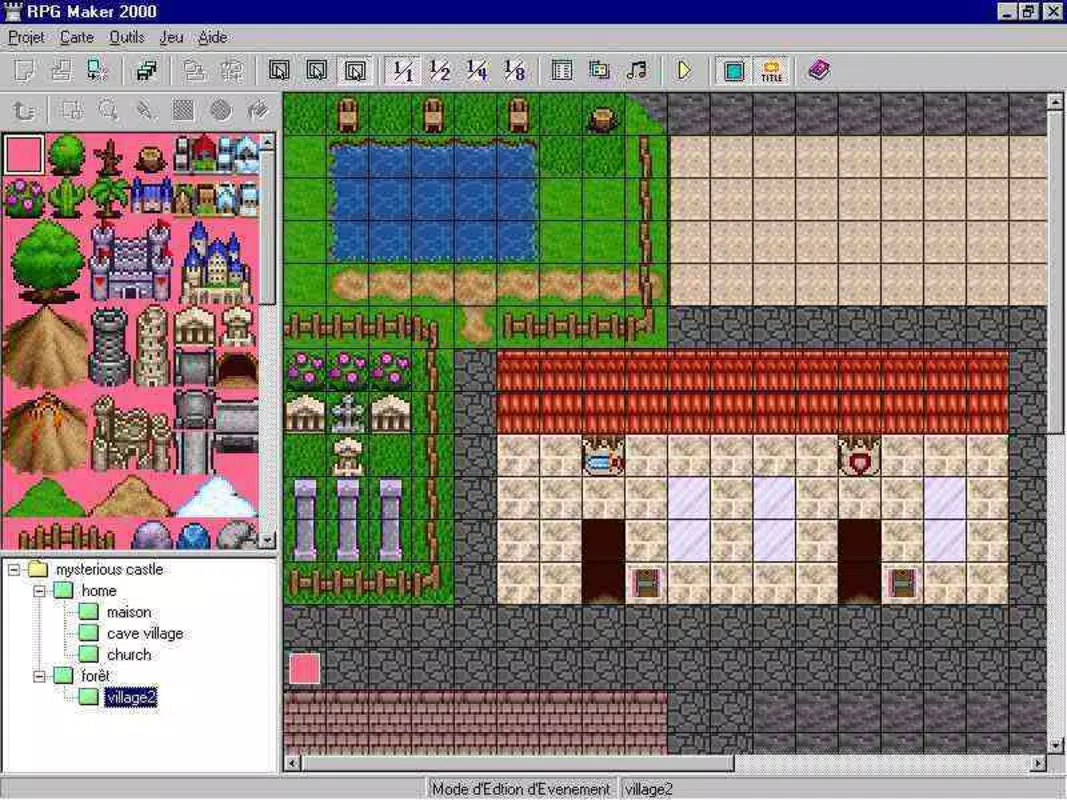
RPG Maker delivers a suite of tools designed to simplify and accelerate the RPG creation process. The app includes a comprehensive asset library featuring pre-made sprites, background music, sound effects, and illustrations, providing a strong foundation for game development. These assets are organized for quick access, allowing users to populate their worlds efficiently without needing to create every element from scratch. Users can import custom assets, ensuring full creative control over their projects. This flexibility supports unique visual and audio identities for each game. The intuitive interface guides users through core functions such as event scripting, map creation, and character customization. An included tutorial module helps newcomers understand the workflow, enabling them to begin building basic games within hours. The software emphasizes rapid game development, allowing users to design playable adventures, including battle systems and dialogue trees, in a short timeframe. This accelerates the prototyping phase and encourages iterative design. The app also supports advanced customization, letting users tweak game mechanics and scripting logic to match their vision. For example, a user could create a fantasy village with interactive NPCs, design a dungeon with traps and treasure, and implement a turn-based combat system—all within a single session. The app’s structure is optimized for mobile use, ensuring that complex tasks remain manageable on smaller screens.- Extensive library of pre-built sprites, music, and sound effects
- Support for importing custom visual and audio assets
- Intuitive interface with built-in tutorial for beginners
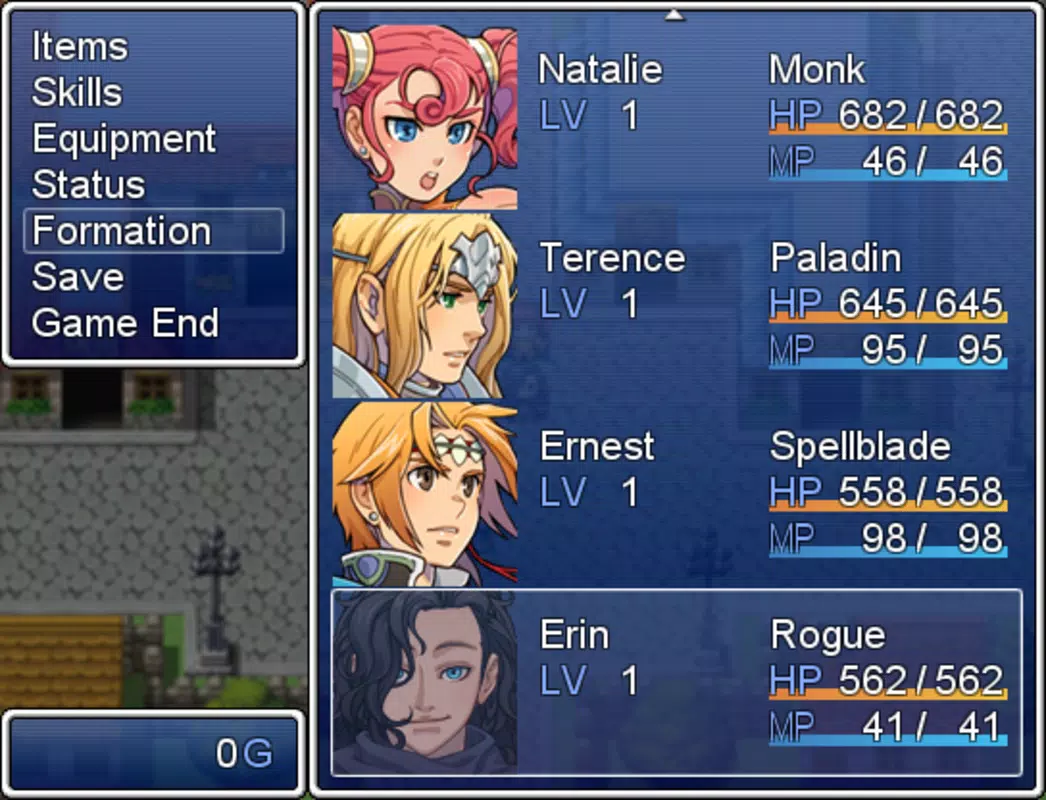
- Tools for map design, event scripting, and character creation
- Turn-based battle system and customizable game mechanics
- Mobile-optimized workflow for on-the-go development
Interface, UX & Performance
The user interface of RPG Maker is designed with clarity and functionality in mind, prioritizing ease of navigation on mobile devices. The layout organizes key tools into accessible panels, with logical grouping of features such as map editors, event managers, and asset libraries. The visual style maintains a clean, minimal aesthetic that reduces cognitive load, allowing users to focus on creative tasks rather than interface clutter. Navigation is structured around a central dashboard that provides quick access to project files, tutorials, and core tools. Menus are responsive, and touch interactions are smooth, minimizing lag during map editing or script input. Although the developer did not list formal performance metrics, the app operates efficiently within the constraints of mobile hardware, maintaining consistent responsiveness across various device categories. The app demonstrates stability during extended use, with no reported crashes or freezes in standard workflows. Users can switch between editing maps, scripting events, and previewing gameplay without significant delays. The mobile-optimized design ensures that even complex projects remain manageable on-screen, with pinch-to-zoom and swipe gestures enhancing map manipulation. Although the developer did not specify minimum OS requirements or performance benchmarks, the app’s lightweight footprint of 112 MB suggests efficient resource usage. It is suitable for mid-range and high-end Android devices, though compatibility with older models cannot be confirmed without further details.Platform Compatibility & Technical Requirements
RPG Maker is available exclusively on the Android platform, making it accessible to a broad audience of mobile users. The current version is 2.4.0, with a file size of 112 MB, indicating a compact and lightweight installation. The app is free to download and use, removing financial barriers for new developers. The developer did not specify minimum OS requirements, compatibility with older Android versions, or hardware specifications. As such, users should be aware that performance may vary depending on their device’s processing power, RAM, and screen resolution. While the app functions well on modern Android devices, its behavior on legacy systems remains uncertain. The absence of detailed technical information means that users should test the app on their specific devices before committing to large-scale projects. No additional permissions beyond standard storage and media access are known, though the full permission list was not disclosed.Pros and Cons
- Free to download and use, removing cost barriers for new developers
- Comprehensive asset library reduces time spent on asset creation
- Intuitive interface with built-in tutorial for beginners
- Mobile-optimized workflow enables on-the-go game development
- Supports customization and import of personal assets
- Proven concept with successful indie games developed using the desktop version
- Developer did not disclose minimum OS or hardware requirements
- Performance on older or low-end Android devices is unverified
- No official update frequency or release schedule provided
- Full permission list not publicly available
- Advanced scripting may require external knowledge or reference materials
FAQ
Is RPG Maker safe to download on Android?
RPG Maker is available through official Android distribution channels. The app is free and does not contain known malware. Users should ensure they download from trusted sources to maintain device security.
Can I create a full game using RPG Maker on my phone?
Yes, the app allows users to design complete RPGs with maps, characters, events, and battle systems. While mobile constraints may limit project scale compared to desktop versions, the core tools are sufficient for developing playable and shareable games.
Are there any in-app purchases or hidden costs?
The app is listed as free with no in-app purchases or subscription fees. All core features are accessible without additional payments.
How often is RPG Maker updated?
The developer has not disclosed a regular update schedule. Users should check the app store for the latest version and release notes to stay informed about improvements or fixes.
Can I transfer my game projects between devices?
Project transferability depends on the app’s export and import functionality. While the app supports saving projects locally, the ability to sync or move them across devices has not been confirmed by the developer.


